One app · One cable · Full resolution
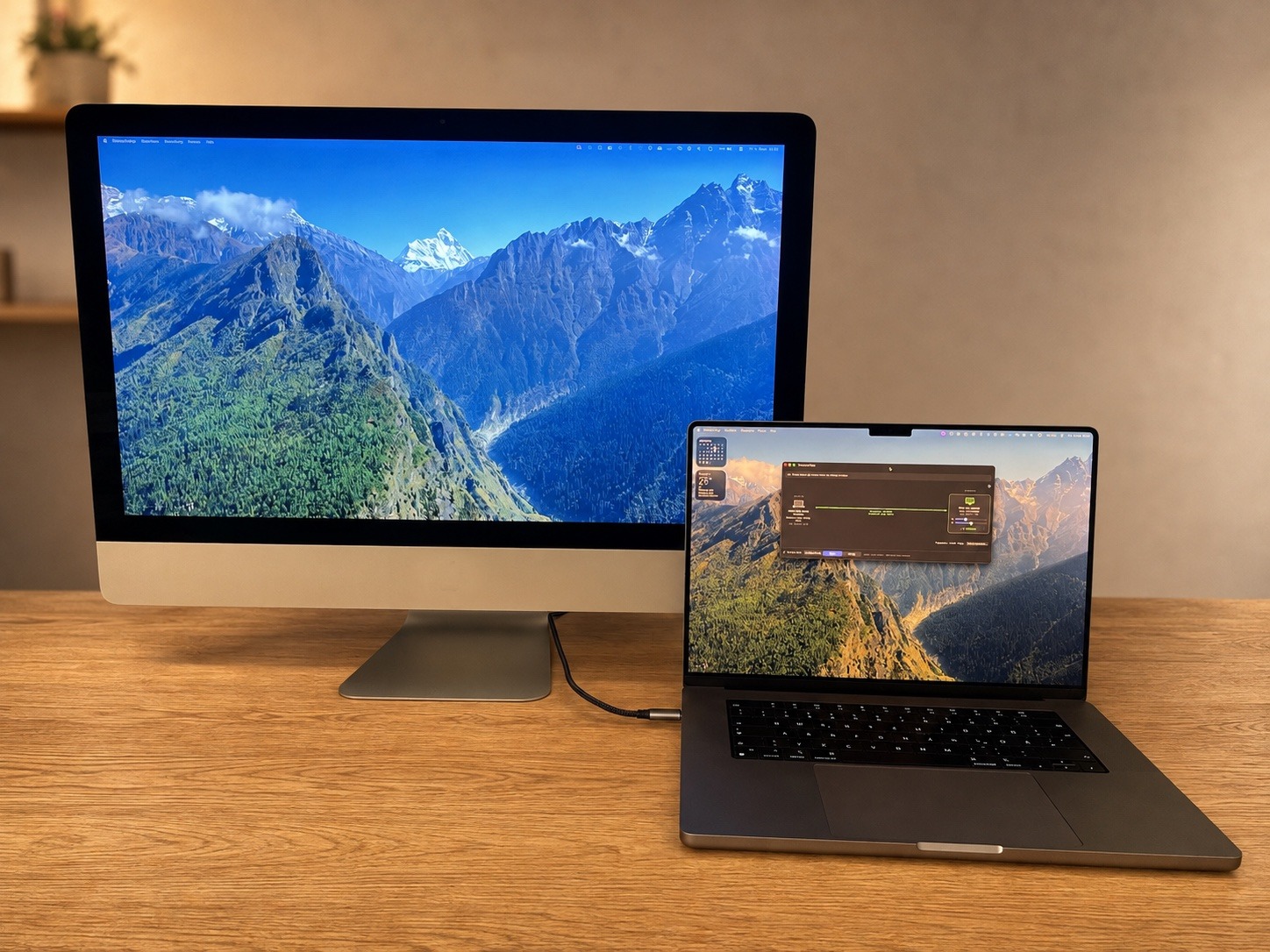
Your iMac as a 5K 60 Hz external display.
DisplayBridge sends one Mac's screen to another over a single Thunderbolt cable. The whole 5120 × 2880 at 60 Hz on a Retina 5K iMac, 120 Hz on a recent MacBook Pro.
Setup
One app. Both ends.
No host app and viewer app, no accounts, no IP addresses to type. The same 6 MB download goes on both Macs, and either one of them can be the screen.

-
1
Download it on both Macs
One app, 6 MB. The same file goes on the Mac you work on and the Mac you want to use as a screen.
-
2
Open it on both
No account, no sign-in, nothing to set up. Just open it on each of the two Macs.
-
3
Connect the cable
One Thunderbolt cable, directly between the two Macs. macOS brings the connection up on its own.
-
4
Click Connect
Each Mac already lists the other. One click, and the second screen is live.
The whole app: 6 MB
- Native Swift and C — no bundled runtime, nothing you did not ask for.
- One universal build, at full speed on Apple silicon and Intel.
- Runs on macOS 13 or newer — the same app on both Macs.
Free for 7 days, everything unlocked. No account, no credit card.
Full Resolution
5120 × 2880.
Every pixel. Every time.
14,745,600pixels in every frame
× 60 fresh frames a second
That is 884,736,000 pixels every second — uncompressed, at native 2× sharpness, down one cable. It is why the picture looks like a display, not like a stream.
Low latency
From one screen
to the other:
~30ms
Summary
Why DisplayBridge is your best pick.
-
Latency
20–40 ms.
You move, it moves.Screen to screen over one cable — a fifth of a blink. No Wi-Fi round trips, no encoder queue.
-
Resolution
Full 5K.
Uncompressed.All 14.7 million pixels, raw, 60 times a second. It looks like a display because nothing is compressed away.
-
Privacy
Your screen never leaves the cable.
Straight from Mac to Mac. No cloud, no servers, nothing crosses the internet.
-
No account
No sign-up.
No login. Ever.Download, open, click Connect. Neither Mac ever asks you to create an account.
-
Pricing
Pay once.
It's yours.One-time purchase, no subscription. Your license doesn't expire next month.
-
Free trial
7 days.
Everything unlocked. No credit card.The full app, every feature, on both Macs — before you pay a cent.
-
Native scaling
A real display, as far as macOS knows.
It shows up in System Settings like any monitor — native Retina 2× scaling, every resolution.
-
App size
6 MB.
Everything included.Native Swift and C, no bundled runtime. Smaller than one photo from your iPhone.
Impressions
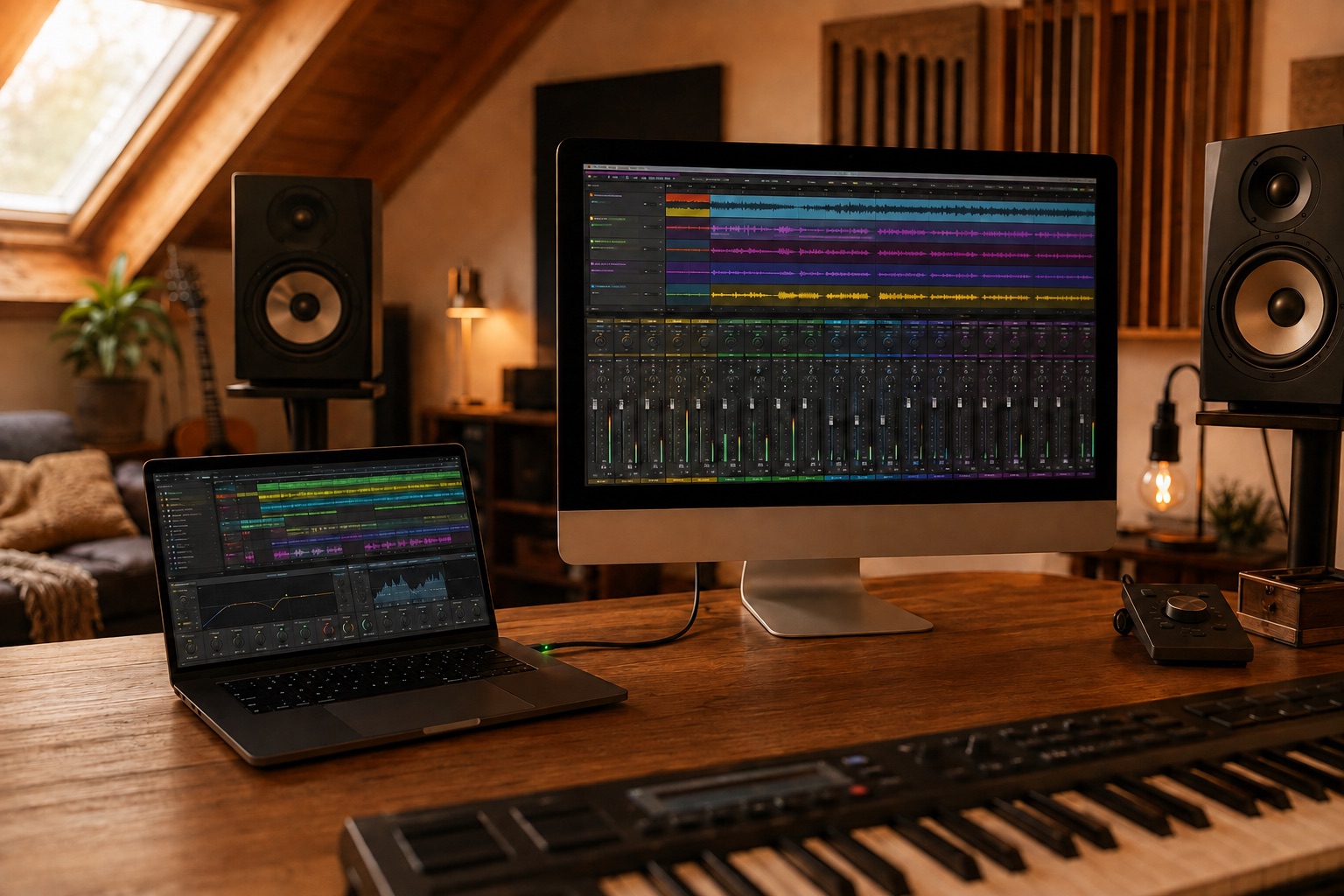
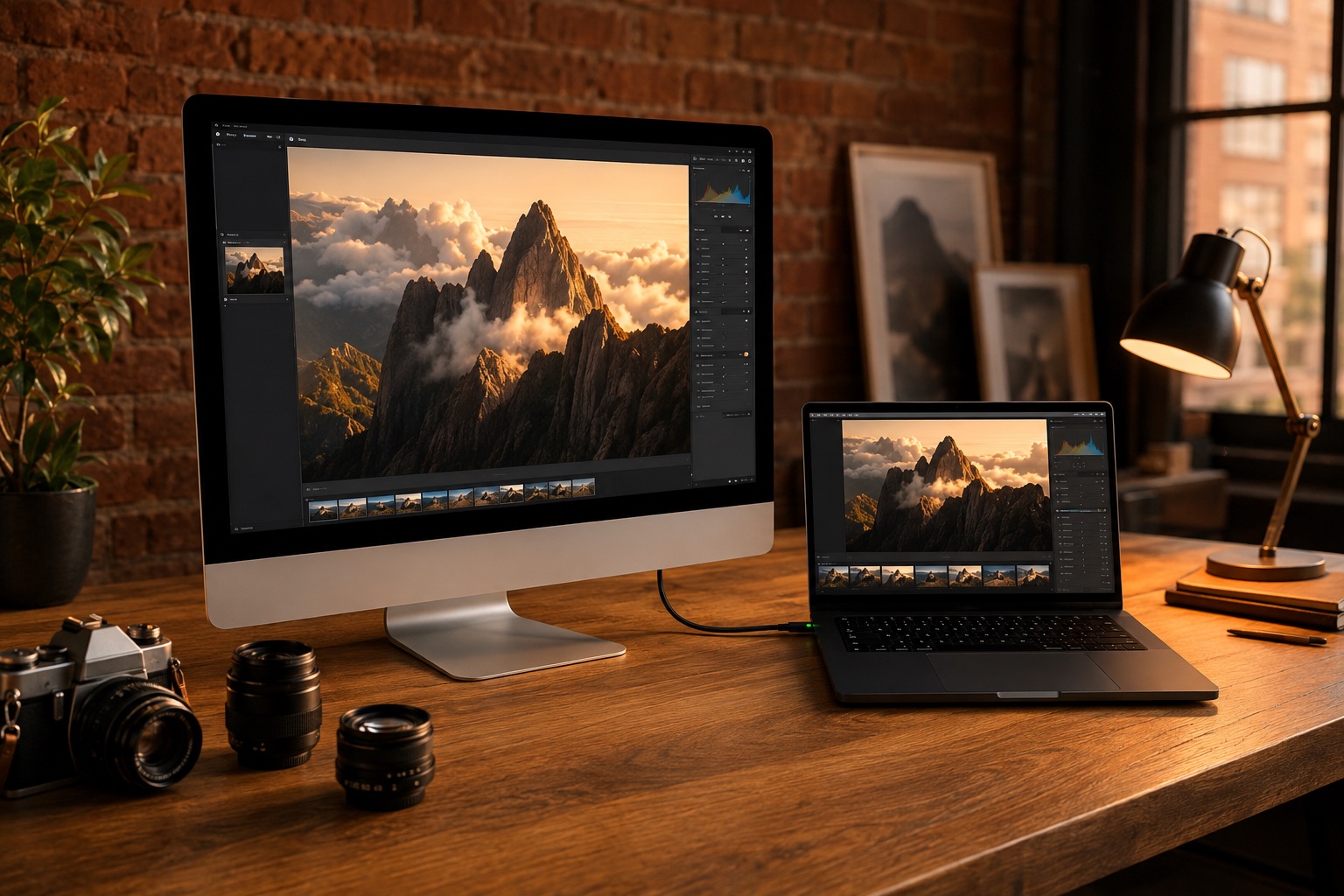
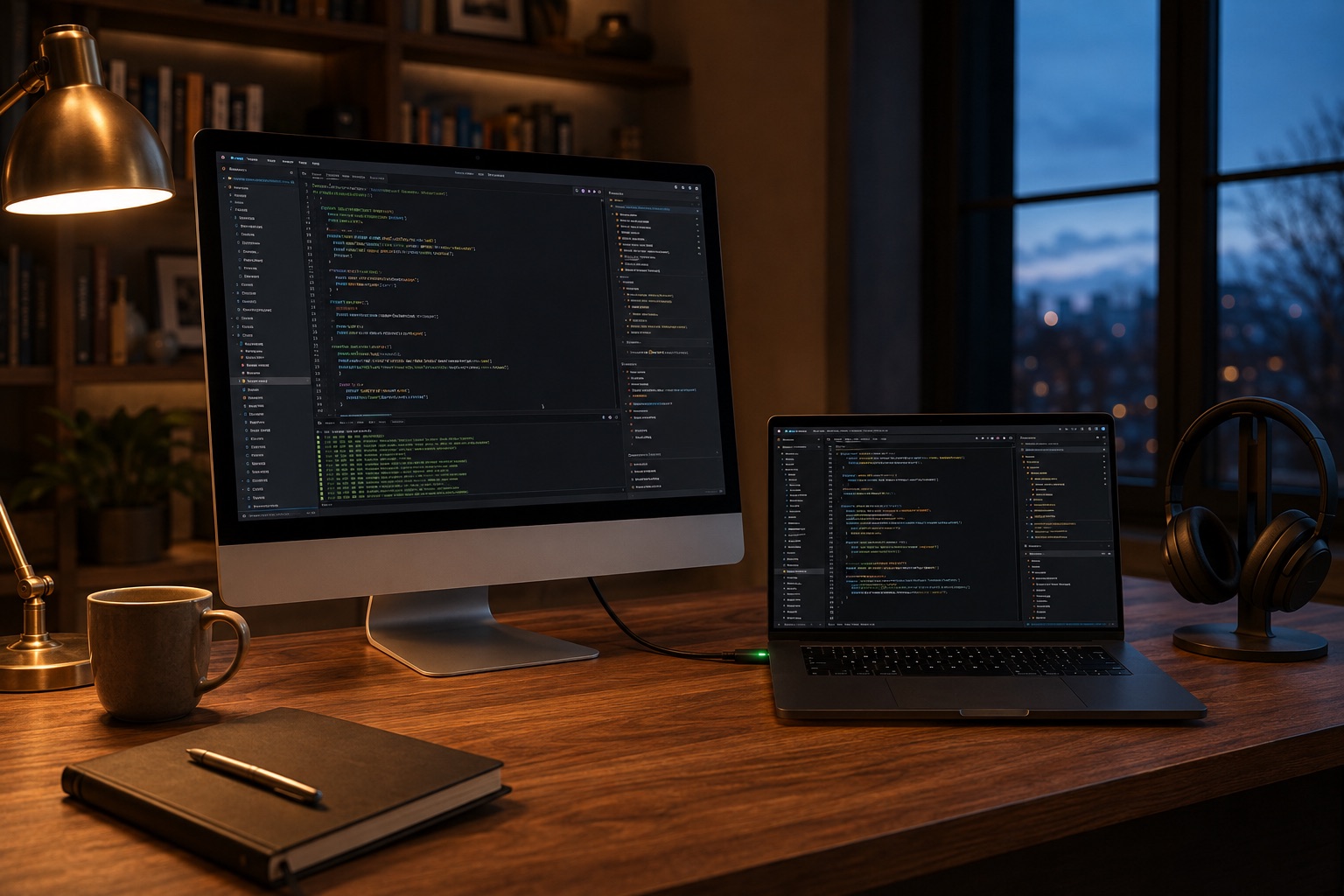
At home on any desk.
Give that iMac
something to do.
Free for seven days, everything unlocked — then $29, once. Not a subscription.
- Runs on
- macOS 13 or newer, on both Macs — one universal app for Apple silicon and Intel.
- Connected by
- One Thunderbolt (Thunderbolt 3 or higher) or 40Gb/s cable, straight between the two Macs.
- The license
- $29 paid once for a lifetime license for the sending Mac. Receiving Macs need no license.
Requirements
Thunderbolt 3
or higher. Or 40Gb/s Usb C.
Sending a full 5K picture sixty times a second is roughly 10.6 Gbit/s of data. Thunderbolt is the only cable on a Mac that carries that much. That single restriction is what buys you the whole picture — and a connection that behaves the same on the hundredth day as on the first.
And what it deliberately is not
- Not wireless. No Wi-Fi mode, no Ethernet mode. One path, always the fast one.
- Not remote control. No keyboard or mouse relay — you keep working on the Mac you are sitting at.
- Not a copy, unless you want one. By default the second Mac is an extended display: extra room next to your screen. Click Mirror and it shows exactly what is on your MacBook's screen instead.
- Not a utility drawer. It turns a Mac into a display. That is the entire feature list.
Questions
Before you download.
Do I need it twice, for both Macs?
No. The Mac that shows the picture never needs a license — that is the point of shipping one app instead of two. Only the Mac sending its screen needs a license.
Will it work over Wi-Fi or Ethernet?
No, and it never will. A full 5K picture at 60 Hz is about 10.6 Gbit/s. Wi-Fi and Gigabit Ethernet are one to two orders of magnitude short of that, so anything wireless has to throw most of the picture away to fit. We would rather ship one path that always works than four that sometimes do.
Which iMac do I need for 5K at 60 Hz?
A Retina 5K iMac from 2017 or later. That is also the oldest iMac with Thunderbolt 3 ports. Other Macs like iMac 2015 is planned to be also supported as receiver soon.
Setup video
The whole setup,
in six minutes.
Everything from the download to the arranged display: the cable, installing on both Macs, the two permissions, Connect. Six minutes, start to finish.
Plays in YouTube's privacy-enhanced player — nothing loads until you press Play. Open on YouTube